Download the App
Download the ViopiSys app from the Google Play Store to your Android device.
Download from Google Play
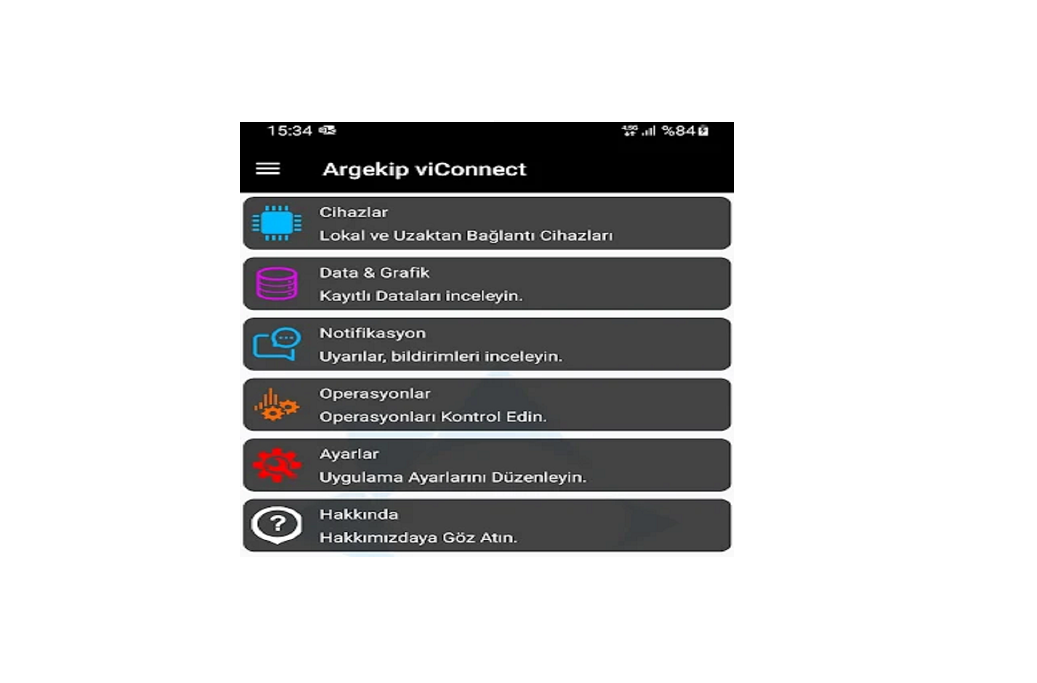
Open the App
After installation is complete, open the ViopiSys app. Sign in with your account or create a new account.
Connect to the Device
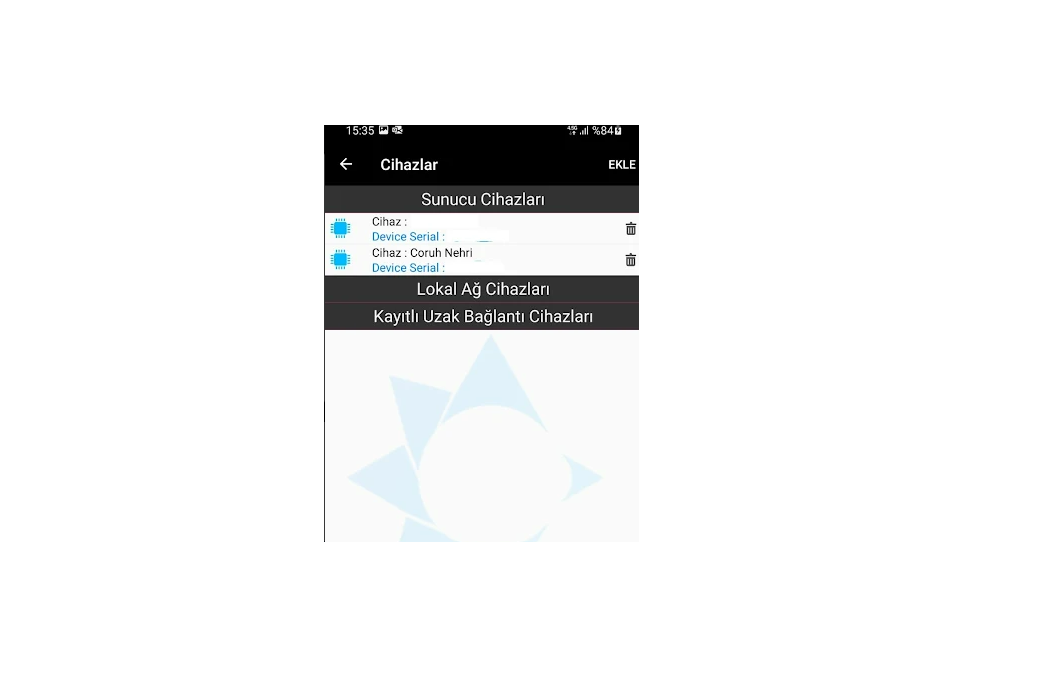
Turn off mobile data and your current Wi-Fi connection. From your phone's Wi-Fi settings, connect to the ArgekipSys network broadcasted by the device and enter the password. Then find and select the device through the app.
Real-Time Monitoring
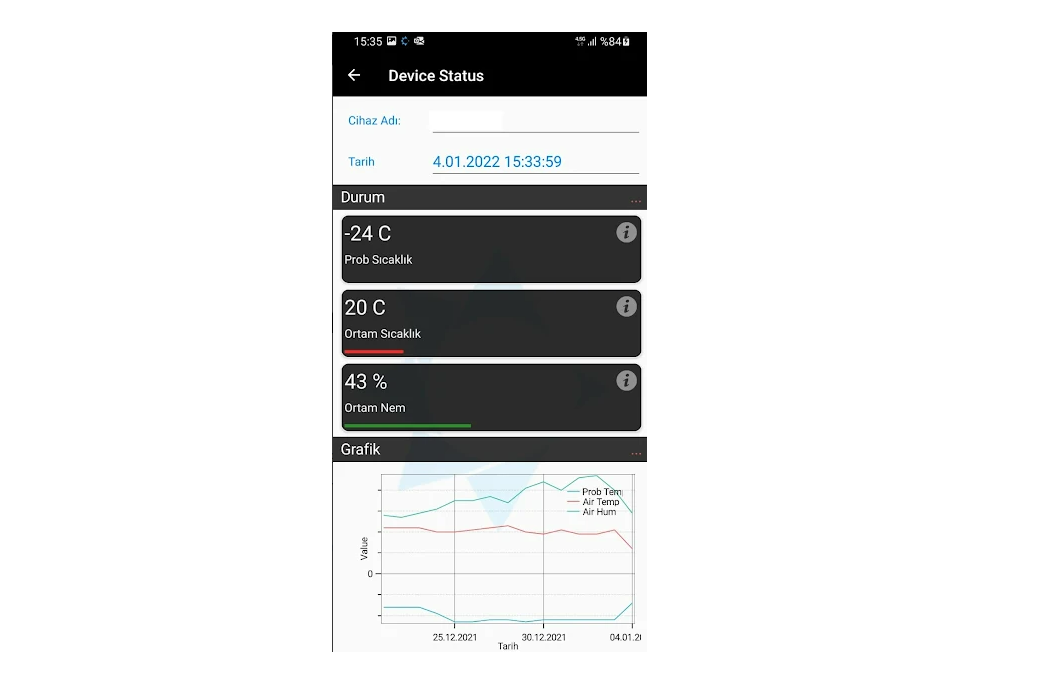
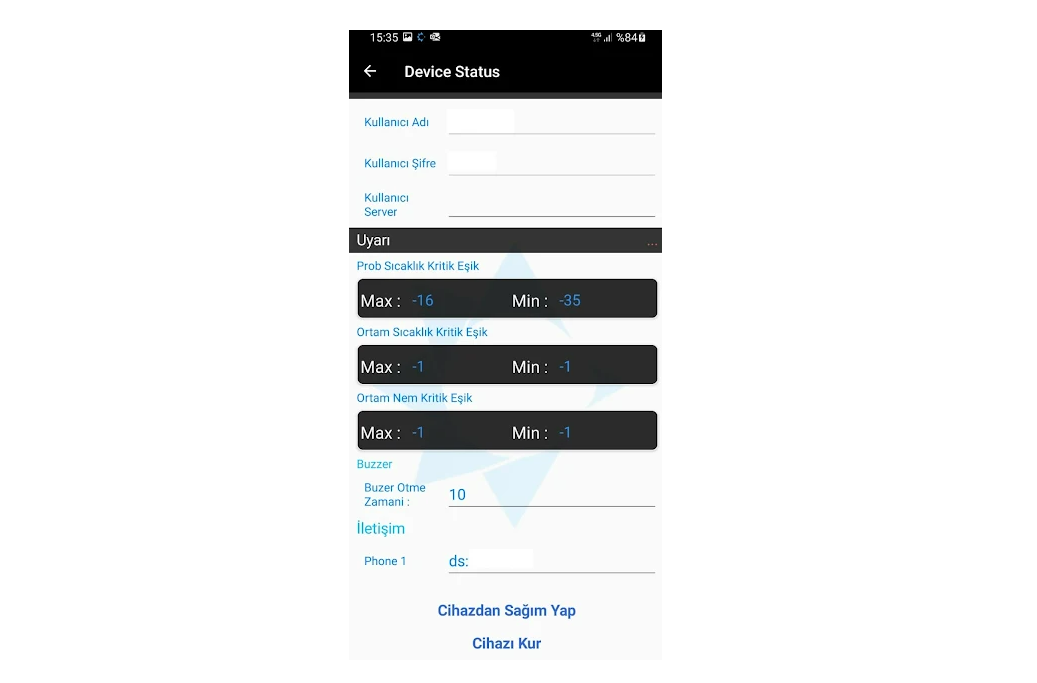
After selecting the device, view real-time measurement data. You can update settings such as device name and measurement interval from the Device Status section.
Data and Reporting
Use the Fetch Data option to retrieve data from the device. From the Data & Charts section, you can access historical data and download it as an Excel file.
Need Help?
If you experience any issues during setup, contact our technical support team.
Contact Us